Web development powers everything we do online, from checking a bank balance and booking a flight to collaborating on workplace documents. If you have ever wanted to understand how websites go from a blank screen to fully interactive experiences, or if you are considering a tech career, this guide breaks down the core concepts of web development.
1. What Is Web Development?
At its core, web development is the process of building and maintaining websites and web applications that run in a web browser. It is generally split into two main visual and technical perspectives:
-
Front-End Development (The Client-Side): This is everything a user directly sees and interacts with—layouts, buttons, typography, images, and animations.
-
Back-End Development (The Server-Side): This is the unseen engine room. It handles server logic, user authentication, security, and database management to ensure data is correctly processed and delivered.
-
Full-Stack Development: Developers who work across both the front-end and back-end environments.
2. The Three Pillars of the Web
Every website you visit is built using three fundamental core technologies:
-
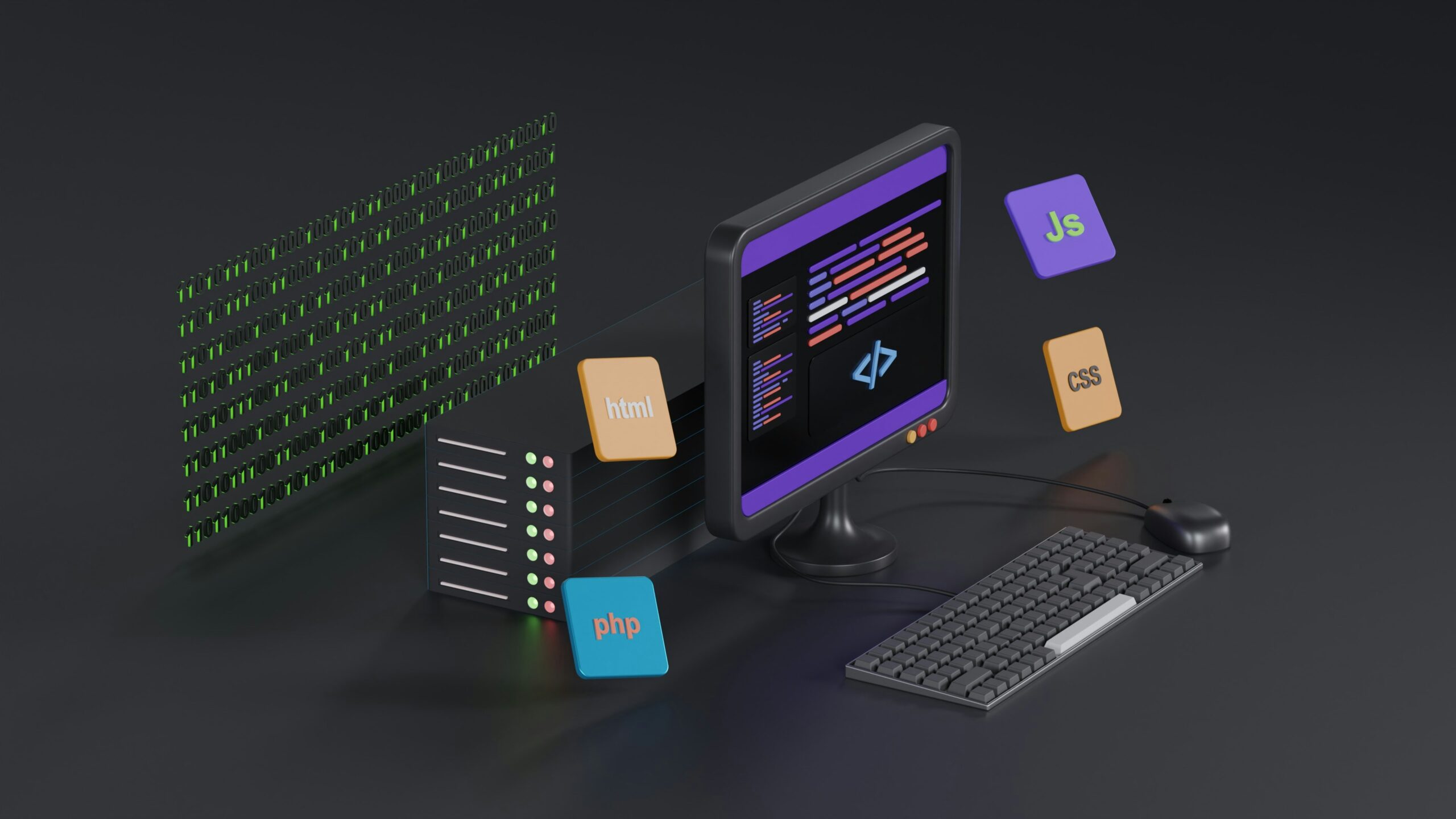
HTML (HyperText Markup Language): The skeleton of the page. HTML provides structure, allowing you to add text, headings, paragraphs, images, and links.
-
CSS (Cascading Style Sheets): The aesthetic layer. CSS controls colors, spacing, fonts, and responsive layout structures so pages look great on everything from mobile phones to massive desktop monitors.
-
JavaScript: The behavior layer. JavaScript brings static pages to life, powering dynamic elements like sliders, instant search suggestions, form validation, and data updates that happen without reloading the browser.
3. The Modern Developer Toolkit
Beyond the core languages, the modern web development ecosystem utilizes specialized tools to streamline building and collaboration:
-
Front-End Frameworks: Tools like React, Vue, or Angular provide organized component structures to build complex user interfaces quickly and efficiently.
-
Version Control (Git & GitHub): Essential systems that allow developers to track changes, manage code history, and collaborate seamlessly across teams.
-
Databases & APIs: Relational databases (like PostgreSQL) or flexible NoSQL databases (like MongoDB) store application data, while APIs (Application Programming Interfaces) let the front-end communicate smoothly with the back-end.
-
AI Coding Assistants: Tools like GitHub Copilot and advanced language models are widely integrated into workflows to help write boilerplate code, debug errors, and speed up learning.
4. Your Step-by-Step Learning Roadmap
If you are looking to start your journey into web development, follow a structured sequence rather than trying to learn everything simultaneously:
-
Master HTML & CSS: Build static landing pages and personal portfolios first.
-
Learn JavaScript Basics: Understand variables, loops, functions, and how to manipulate page elements.
-
Understand Responsive Design: Learn CSS Flexbox and Grid to make sites mobile-friendly.
-
Pick up Git & GitHub: Practice tracking your project codes.
-
Build a Framework Skill: Dive into a modern library or framework like React.
-
Deploy Projects: Launch your completed applications live using platforms like Vercel or Netlify.